 AGreenNest
Plant Care Accessories
Choose a Grow Light Timer That Actually Holds Schedule
Choose a grow light timer rated for the lamp's wattage with a 15 amp mechanical or digital unit set to 12 to 14 hours daily for leafy houseplants. Pick a grounded model with a battery backup so a power cut does not reset the schedule, and keep the photoperiod within 1 hour of target for steady growth.
Forgetting to switch off a grow light is how good intentions turn into stressed plants. I ran a basil under a panel I turned on by hand for two weeks, and the on off timing drifted from 14 hours to 9 as my evenings got busy. That basil bolted and tasted like soap. Timers remove the human from the loop. The right unit holds the photoperiod to the hour, survives a power cut, and matches the lamp's load. The wrong unit resets every outage and throws the schedule into the dark. Two summers of testing taught me that the timer, not the bulb, decides whether the plant thrives.
Why Does the Photoperiod Matter So Much?
Plants read day length as a signal. Leafy tropicals such as Epipremnum aureum want 12 to 14 hours of light and 10 to 12 of dark to grow steady foliage. Drop to 8 hours and growth stalls. Push past 16 and some species think it is perpetual summer and never rest, which weakens them. Photoperiod is the single biggest lever after light intensity, and a timer is how you hold it. Seedlings need the upper end, near 14 hours, while mature Sansevieria trifasciata and Zamioculcas zamiifolia cruise on 10 hours. Temperature also nudges the clock: at 21°C a plant uses the light faster than at 15°C.
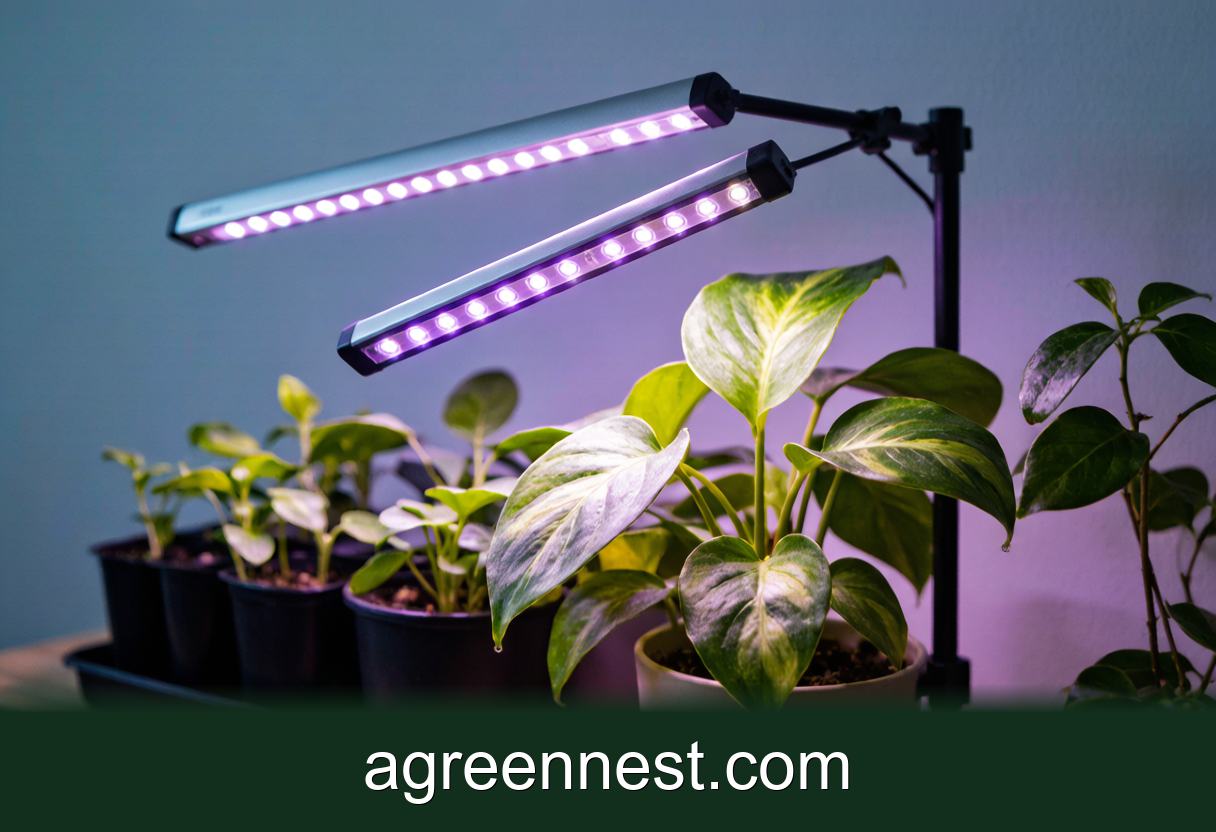
Most growers treat the timer as set and forget without checking it. Cheap units drift a few minutes a week, and after a month the 14 hour day is 12. Use a timer with a backup and verify the on off times monthly against a clock. Our grow light guide pairs with this one, because the lamp and the timer are a system, not separate buys.
Mechanical or Digital: Which Timer Wins?
Mechanical timers use a dial with pins you push for each on segment. Such a unit costs about eight dollars and has no battery to fail, but it is accurate to plus or minus 15 minutes and the pins are fiddly for a 14 hour block. Digital timers cost fifteen to twenty five dollars, hold the schedule to the minute, and often include a battery backup so a power cut does not wipe them. Battery models hold the program for about three years before the cell weakens. Indoor humidity around 50 percent will not harm a sealed digital case.
For a single lamp, the mechanical option is fine if you accept the drift. For a rack of four panels, go digital, because the load and the need for precision justify it. Either way, match the amp rating to the lamp. A 40 watt LED panel draws under 1 amp, but a 200 watt array draws near 2 amps, so a 15 amp timer has massive margin and will not melt.
What Should You Look For and Avoid?
Look for a grounded three pin plug, a 15 amp rating, a battery backup, and a clear display of the on and off hours. Random mode or a dusk to dawn sensor is useless indoors where there is no sun, so ignore those features. Models that show the current time and the next switch event save you from guessing.
Avoid ungrounded two pin timers on a high wattage lamp, because they overheat. Skip units with a tiny non replaceable battery that dies in a year and wipes the schedule. Reject Wi Fi timers that need an app and a working router, because a network drop can leave your light stuck on or off for a day. Plain, robust timers beat smart ones for a plant you are not watching. Price tracks features: a bare mechanical unit runs eight dollars, a backed-up digital unit runs twenty five dollars, and a smart Wi Fi unit runs forty dollars with no real gain. Grounding matters most on a 200 watt array, where a loose plug can warm to 40°C.
How Do You Set the Hours Correctly?
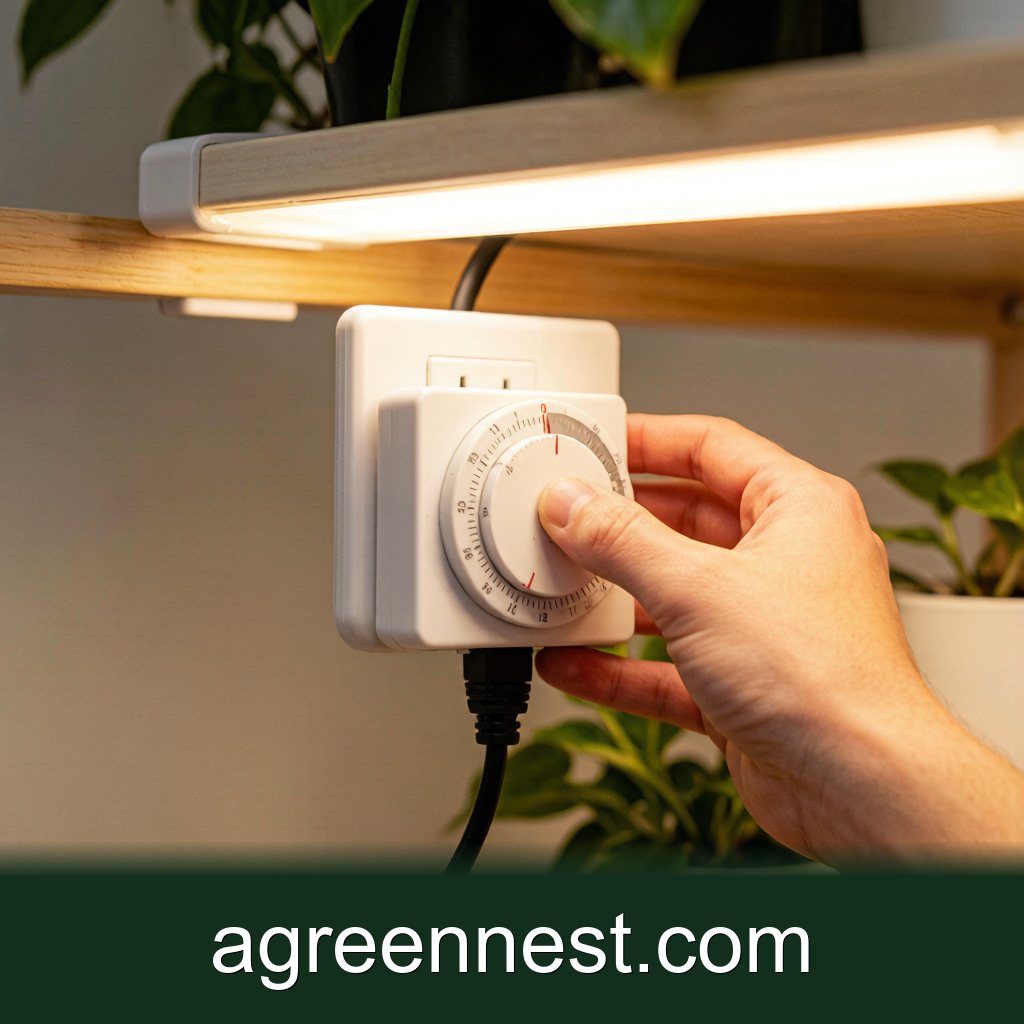
Decide the target first. Leafy tropicals such as pothos want 12 to 14 hours. Snake plant tolerates 10 to 12 and actually prefers a longer night. Set the on time for when you want the day to start, say 6am, and the off 14 hours later at 8pm. On a mechanical dial, push all pins between those hours down, leaving the rest up.
Digital units need the clock entered first, then program event one as on at 6:00 and event two as off at 20:00. Test the setup by plugging in a lamp you can see and advancing the clock, or just watch it trip at the set time on day one. Drift of five minutes, such as 6:05 instead of 6:00, is acceptable. An hour of error means you recheck the programming. Mark the change on a wall calendar so the seasonal shift stays under one hour.
Matching the Timer to the Lamp
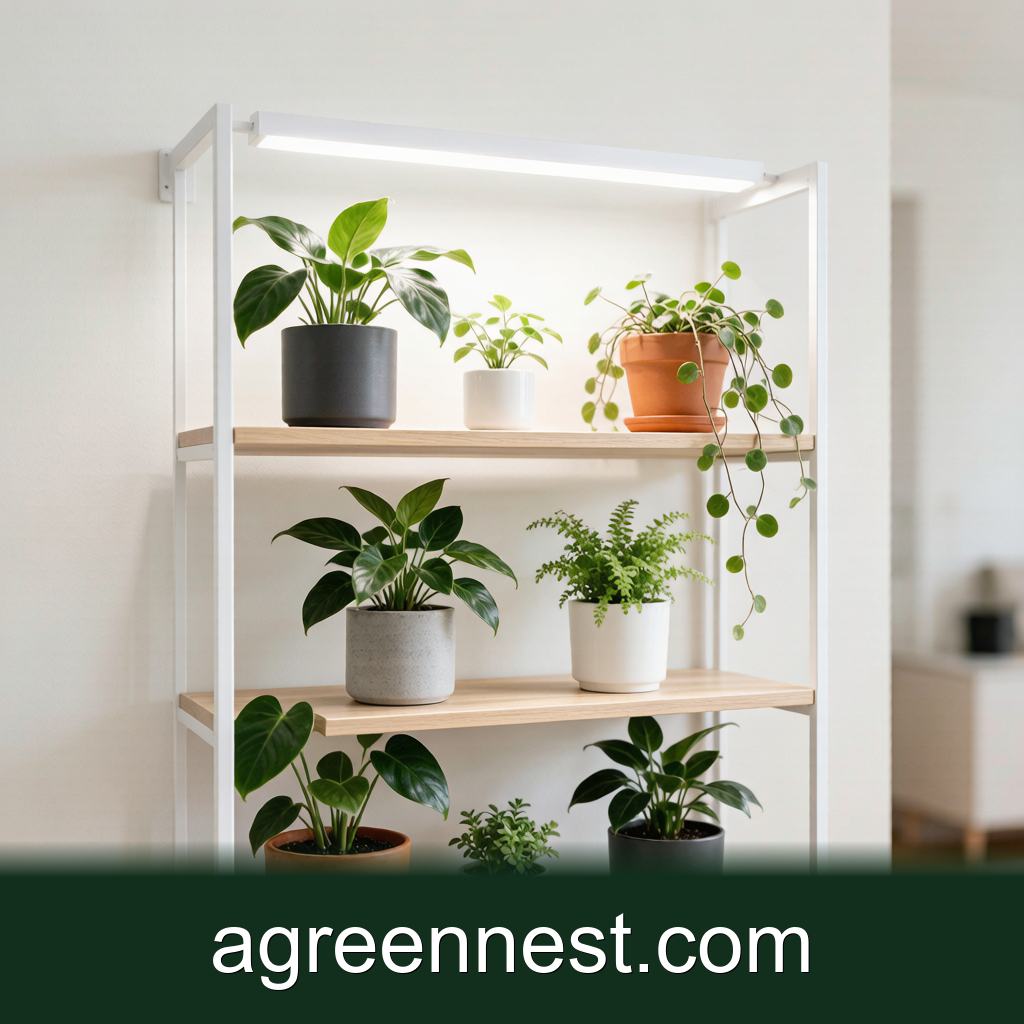
A single 20 watt panel needs only a basic timer, and a mechanical one holds fine. Four panel arrays at 160 watts total still draw under 2 amps, so any 15 amp timer covers them, but pick digital so you can set four separate zones if you grow different species. Two lamps on one timer still pull under 4 amps, well inside the 15 amp limit. Drip loops take ten seconds to form and prevent the most common short. Mount the timer at eye height so the display is readable without crouching.
Keep the timer off the floor where a watering spill could reach it, and use a drip loop on the cord so water does not run into the socket. Check the schedule monthly. I mark the calendar on the 1st to confirm the light trips at the right hours, because a dead backup battery is silent until the power blips. Within a season the plants show the proof: even growth, no bolting, no stretch. Timers do one job, which is to be boring and exact so the plant does not suffer your forgetfulness.
Frequently Asked Questions
Q: My timer reset after a power cut and the light stayed off for a day. Did I hurt the plant?
A: One dark day will not kill a houseplant, but repeat outages confuse the photoperiod. Buy a timer with a battery backup so the schedule holds through the blink, and your grow light keeps its rhythm.
Q: Can one timer run two separate light schedules?
A: Only if it supports two independent programs, which most digital units do. Mechanical dials run one shared schedule, so put plants with the same 14 hour need, like pothos and herbs, on one timer and a snake plant on another.
Q: Is a Wi Fi timer worth it for a single shelf?
A: Not really. Any app adds a failure point and a cost with no growth benefit for one lamp. Grounded digital timers with backup do the same job for less and keep working when the router drops.
Grow light timers are the cheapest insurance for a steady photoperiod, and the specs matter more than the price. Match the amp rating, get a backup, and set 12 to 14 hours for leafy plants. Pair it with our grow light guide so the lamp and the timer work as one system.
Recommended Tools for Plant Care Accessories Care
Free, no-signup helpers matched to this guide.
Free Ebooks to Explore
Downloadable handbooks — no email required.
Free Ebook
The AGreenNest Succulent Care Handbook
The complete, beginner-to-confident guide to growing fat, happy succulents — 10 chapters and a 20-plant directory.
Free Ebook
Haworthia & Haworthiopsis Care Handbook
A focused guide to the striped, forgiving Haworthia clan.
Sources & further reading
GreenNest authors research and write every guide independently. The external links below are reputable references we recommend for deeper reading — they are not the sources we copied from.
- University of Florida IFAS — UF IFAS
- Michigan State University Extension — Michigan State University
- Oregon State University Extension — Oregon State Extension
Share Your Plant Story
Grown something tricky, or found a trick that finally worked? Tell us in the comments, or see what other readers are sharing on our Community page. The best reader tips get folded back into our guides.

Join the Conversation
Have a tip or a question about Choose a Grow Light Timer That Actually Holds Schedule? Share it below — comments are saved on our server.