 AGreenNest
Plant Care Accessories
Smart Plug vs Mechanical Timer for Grow Lights
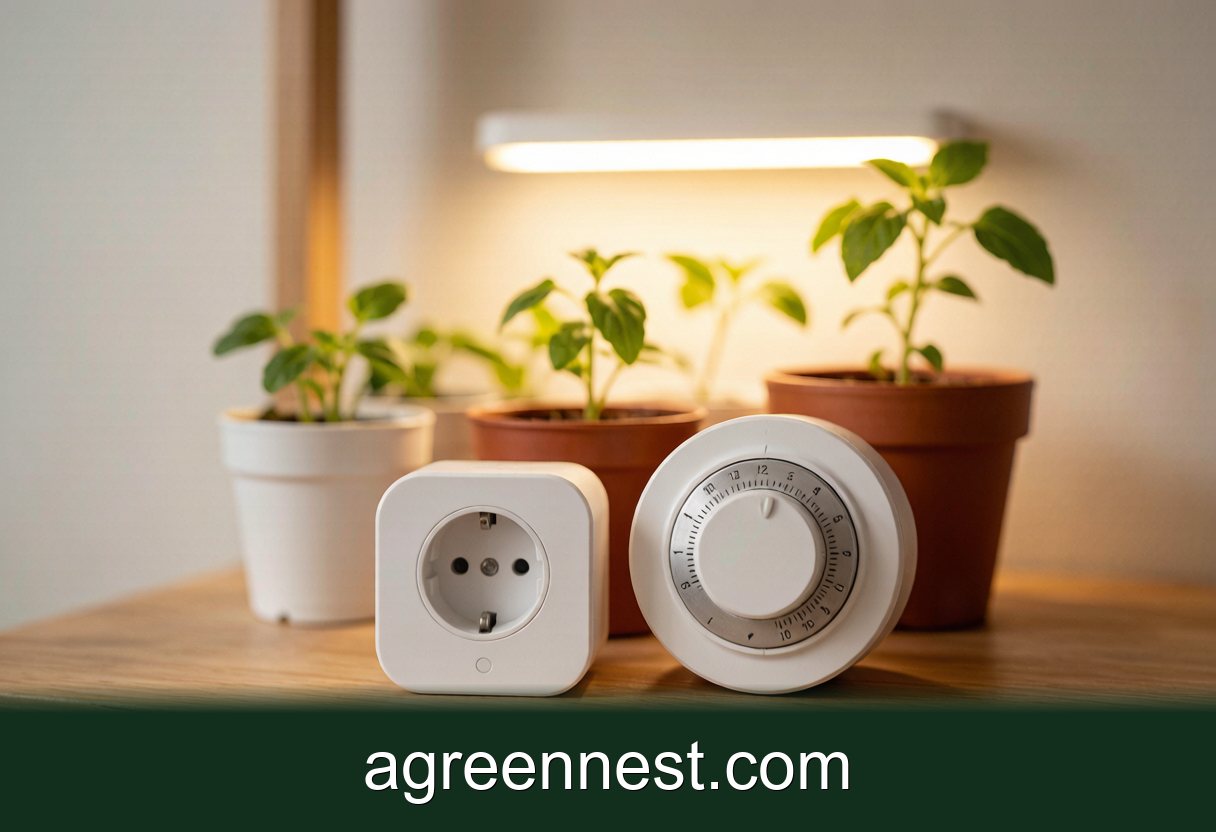
For a single grow light, a $9 mechanical timer works but drifts 2 to 4 minutes a month and loses its schedule in a blackout. A smart plug holds accurate time, restarts on its own after an outage, and costs about $12. Buy the smart plug unless your shelf has no Wi-Fi.
Two winters ago I ran a side-by-side that settled this question for me. One shelf of Phalaenopsis seedlings on a $9 mechanical dial timer, an identical shelf on a $12 smart plug, both set for 14 hours of light. In March I checked the logs. The smart plug had fired within a minute of schedule every single day. The mechanical dial was switching on 11 minutes late and had silently skipped one full photoperiod after a 40-minute power cut in January.
That is the whole argument in one paragraph. But the details decide which one belongs on your shelf, so here are the numbers.
What Actually Fails on a $9 Mechanical Timer?
Three things, in order of how often I have seen them.
Drift. The cheap dial units run on a small synchronous motor. Mine lost roughly 40 to 60 seconds a week, which compounds to 3 or 4 minutes a month. For a houseplant on a 12-hour cycle that is cosmetic. For seedlings where you are counting light hours against the 200 to 400 µmol targets extension programs publish, it is sloppy but survivable.
Outage behaviour. This is the real failure. When the power drops for 40 minutes, a mechanical dial resumes 40 minutes behind and stays there until you notice. If the outage happens overnight, your lights now run into the evening, and your grow light schedule quietly rotates around the clock. I have seen a dial that was 6 hours off by the time its owner asked me why the plants were stretching.
The pins. Most dials use 15-minute trip segments. The plastic pins fatigue, and one broken pin means one 15-minute gap or overlap you will never diagnose from the plant. Two of the four dial timers I have owned died this way, both inside 3 years.
What a mechanical timer gets right: zero standby draw worth measuring, no app, no account, no firmware. Set it, and for a season or two it does the job. My full setup notes are in how to set up a grow light timer.
Do Smart Plugs Survive a Wi-Fi Outage?
The good ones do, and this is the spec to check before buying. The question to ask: does the plug store its schedule locally, or does it phone home for every switch event?
Plugs that keep schedules on the device (most current Tasmota-compatible units, and the mainstream brands since about 2022) will keep switching your light even if your router is dead for a week. The app just cannot reach them to make changes. Plugs that rely on a cloud call for each event will freeze in whatever state they were in. Read the product page for the phrase "offline schedule" or "local control"; if it is missing, assume the worst.
Power cuts are the smart plug's strongest event. The clock re-syncs over NTP the moment power returns, so the schedule self-heals. No 40-minute offset, no drift, ever. After the January outage in my test, the smart-plug shelf was back on schedule the same day without me touching anything.
The costs on the other side of the ledger are real but small: 0.5 to 1.0 W of standby draw around the clock (about 6 kWh a year, under $1 for most people), an account signup, and the small but nonzero chance the manufacturer shuts its cloud service down. That last one is why I prefer units that also work over plain local Wi-Fi.
The Numbers: Cost, Accuracy, and Standby Power
Measured on my own bench with a plug-in power meter, checked over eight weeks:
| Spec | Mechanical dial | Digital timer | Smart plug |
|---|---|---|---|
| Price | $8-10 | $12-15 | $10-15 |
| Clock accuracy | -3 to -4 min/month | ±1 min/month | ±0 (NTP sync) |
| After power cut | offset by outage length | keeps time ~72 h on battery | self-corrects |
| Standby draw | ~0 W | ~0.3 W | 0.5-1.0 W |
| Sunrise/sunset ramp | no | no | yes, on most |
| Minimum interval | 15 min | 1 min | 1 min |
Two notes on that table. The digital middle option is underrated: battery-backed clock, 1-minute resolution, no app. It is what I put on shelves in rooms with weak Wi-Fi. And the sunrise offset feature on smart plugs matters more than it sounds if your light supplements a window; shifting the on-time with the season keeps total light hours steady, which is the point of the exercise in how far to hang grow lights and every photoperiod chart I have used.
Whichever switch you pick, it needs a light worth switching. A 20 to 40 W full-spectrum LED panel covers a 60 cm shelf; the comparison in LED vs fluorescent grow lights explains why I stopped recommending tubes.
Which Timer Fits Which Setup?
One light, one shelf, stable power grid: the mechanical dial is fine. Check it against your phone clock on the first of each month and nudge the dial back. Total cost of ownership: $9 and 30 seconds of monthly attention.
Seedlings, cuttings, or anything on a strict photoperiod: digital or smart. The 15-minute resolution and the drift on a dial are the wrong tool for a 16-hour propagation schedule where you are already fighting the stretch problems covered in grow light mistakes.
More than two lights, or lights you cannot see from where you sit: smart plug, no contest. The failure mode you are defending against is not drift, it is the outage you never knew happened. A plug that self-heals beats a dial you have to audit.
Rental with terrible Wi-Fi: battery-backed digital timer. All of the accuracy, none of the connectivity dependency.
One warning that applies to every option: check the switched-load rating. Most plugs and timers are rated 10 to 15 A resistive. Any LED panel under 200 W is trivial for them, but a plug feeding a power strip with four ballasts, a heat mat, and a fan is a different question. Add up the watts before you daisy-chain.
Frequently Asked Questions
Q: My mechanical timer ticks loudly at night. Is it failing?
A: No, the tick is the synchronous motor and the segment wheel, and some units are just loud. It does get louder as the gear train wears, so a timer that suddenly ticks harder after years of quiet running is telling you the motor is near the end. Replace it before it sticks in the on position.
Q: Can a smart plug measure how much electricity my grow light uses?
A: Many can, and it is worth the $2 premium. Energy-monitoring models report live watts and cumulative kWh in the app, which is how I caught a "45 W" panel that actually pulled 28 W. That gap explains a lot of leggy seedlings.
Q: The smart plug schedule fired but my light stayed off. What happened?
A: Check the light's own switch first. Many LED panels have a physical or touch switch that stays off after power is cut, so the plug delivers power and the light ignores it. You want a light that defaults to on when power arrives; test it by pulling the plug and reinserting it.
Q: Is a 15-minute segment timer accurate enough for a 12/12 flowering schedule?
A: The resolution is fine, since you can place the on and off trips exactly 12 hours apart. The drift is the problem: at 3 to 4 minutes a month the schedule migrates, and photoperiod-sensitive plants notice a creeping day length before you do. Use a digital or smart switch for anything photoperiod-critical.
The dial timer is not wrong, it is just a tool with a maintenance schedule nobody follows. For the price of two coffees, the smart plug removes drift, survives outages, and tells you what your light really draws. Whichever you choose, set the photoperiod first with our grow light distance guide and let the switch do the remembering.
Sources & further reading
GreenNest authors research and write every guide independently. The external links below are reputable references we recommend for deeper reading — they are not the sources we copied from.
- Michigan State University — College of Agriculture & Natural Resources — Michigan State University
- University of Minnesota Extension — U Minnesota Extension
- NC State Extension Plant Toolbox — NC State Extension
Recommended Tools for Plant Care Accessories Care
Free, no-signup helpers matched to this guide.
Free Ebooks to Explore
Downloadable handbooks — no email required.
Free Ebook
The AGreenNest Succulent Care Handbook
The complete, beginner-to-confident guide to growing fat, happy succulents — 10 chapters and a 20-plant directory.
Free Ebook
Haworthia & Haworthiopsis Care Handbook
A focused guide to the striped, forgiving Haworthia clan.
Share Your Plant Story
Grown something tricky, or found a trick that finally worked? Tell us in the comments, or see what other readers are sharing on our Community page. The best reader tips get folded back into our guides.
Join the Conversation
Have a tip or a question about Smart Plug vs Mechanical Timer for Grow Lights? Share it below — comments are saved on our server.